
Blog

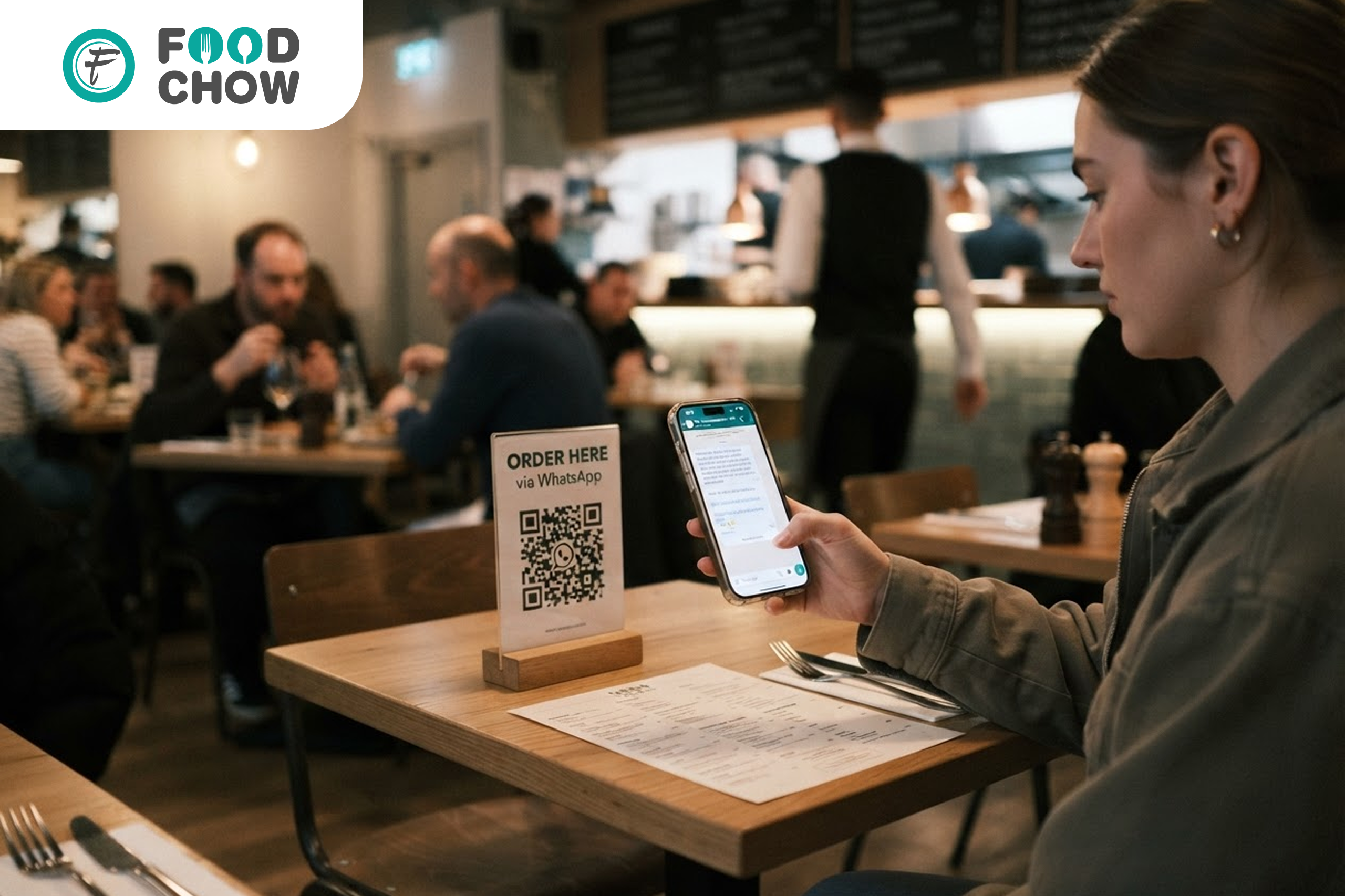
WhatsApp Ordering for Restaurants: Complete Setup Guide (2026)
Every customer who's ordered once already has your number saved, or could. Here's how to turn that into a reordering channel that costs a restaurant nothing per order.
WhatsApp ordering lets a customer place an order directly inside a chat thread, with the order landing on the restaurant's POS, no aggregator, no app download, and no per-order commission. It works best for repeat customers who've already ordered once, since it depends on the restaurant's number already being known or shared. Restaurants typically pair it with aggregators for discovery and use WhatsApp to capture every reorder at full margin afterward.
- What is WhatsApp ordering
- Why WhatsApp works for repeat customers
- Real cost: WhatsApp ordering vs aggregator commission
- How WhatsApp ordering connects to your POS
- Setup guide: launching WhatsApp ordering
- Common mistakes restaurants make
- WhatsApp vs aggregator app vs website ordering
- Frequently asked questions
Most restaurants already have a customer's phone number by the second order, it's sitting in the delivery details on an aggregator app, or in a missed call log from a reservation. What almost none of them do is use that number for anything beyond that one transaction.
WhatsApp ordering closes that gap. It turns a number a restaurant already has into a reordering channel that doesn't run through anyone else's app, and doesn't cost a percentage of the order.
FoodChow is a commission-free restaurant technology platform serving restaurants across India and 20+ countries with free POS, online ordering, QR menus, WhatsApp ordering and a white-label partner program.
This guide covers what WhatsApp ordering actually looks like in practice, the real cost difference against aggregator commission, how it plugs into a restaurant's POS, and a step-by-step path to setting it up.
What Is WhatsApp Ordering?
WhatsApp ordering means a customer places an order for a restaurant's food directly inside a WhatsApp chat, instead of opening a separate app or website. In practice, this takes one of two forms:
- •Basic click-to-chat ordering — a customer messages the restaurant's WhatsApp number, is shown a menu link or catalogue, and places the order in the conversation.
- •Automated WhatsApp Business API ordering — the customer browses a structured product catalogue inside WhatsApp itself, the order is confirmed automatically, and it's pushed straight to the restaurant's POS without anyone manually typing it in.

Both versions skip the aggregator entirely. The order goes from customer to kitchen with no commission-taking middle step.
Why WhatsApp Works Better Than a Generic App for Repeat Customers
A restaurant's own branded app or website is a fine idea in theory, but very few customers will download a single restaurant's app just to reorder biryani. WhatsApp sidesteps that problem entirely:
- •Already installed. The customer doesn't need to download anything, WhatsApp is already on their phone.
- •Zero friction to reorder. A saved chat thread means the next order is a few taps away, often faster than opening an aggregator app and searching again.
- •Two-way, not just transactional. The same thread can be used to send a delivery update, confirm a booking, or send an occasional offer, something a one-off order confirmation email never achieves.
- •Works for both delivery and dine-in reservations, making it a single channel rather than a delivery-only tool.

Real Cost: WhatsApp Ordering vs Aggregator Commission
Take a restaurant with 200 genuinely repeat orders a month, customers who've ordered before and could easily be moved to a direct channel, at an average order value of ₹500 and a 25% aggregator commission:
| Channel | Monthly commission cost | What the restaurant keeps |
|---|---|---|
| Same 200 orders via aggregator | ≈ ₹25,000 lost to commission | ≈ ₹75,000 of ₹1,00,000 |
| Same 200 orders via WhatsApp ordering | ₹0 commission, small messaging cost only | ≈ ₹98,000–1,00,000 of ₹1,00,000 |
Illustrative figures based on typical aggregator commission rates and WhatsApp Business API per-conversation messaging costs. Actual numbers vary by platform and message volume.
That gap, roughly ₹23,000–25,000 a month on just 200 orders, is money a restaurant is otherwise handing over for a service it doesn't need on a customer it already has. The messaging cost of WhatsApp Business API conversations is a flat, small charge per conversation, not a cut of the order value.
How WhatsApp Ordering Connects to Your POS
A WhatsApp order that just lands as a text message someone has to manually copy into the POS isn't much better than a phone call. The version worth setting up looks like this:
- Customer messages the restaurant's WhatsApp number or taps a shared reorder link.
- They browse a catalogue and confirm items and quantities inside the chat.
- The order is pushed automatically into the restaurant's POS and kitchen display, alongside orders from every other channel.
- The customer gets an automated confirmation and, for delivery, status updates in the same thread.

FoodChow's WhatsApp ordering and marketing tools are built to connect directly with the same POS and kitchen display used for QR menu and website orders, so every channel lands in one place.
Turn every repeat customer into a WhatsApp order.
FoodChow sets up WhatsApp ordering connected directly to your POS and kitchen display, so a reorder from a saved chat thread costs you nothing beyond what you already pay for the platform.
Free setup, no commission, ever.
Set Up WhatsApp Ordering → Talk to Our TeamSetup Guide: Launching WhatsApp Ordering
- Register a dedicated WhatsApp Business number for the restaurant, separate from any personal number.
- Build a shareable menu or catalogue that opens inside the chat or via a link, with photos and current prices.
- Connect it to your POS so orders placed through WhatsApp land directly on the kitchen display, not in a separate inbox someone has to check manually.
- Print the WhatsApp number on every packaging box, table card, and bill, with a short line inviting the customer to order directly next time.
- Set up automated order confirmations so customers get an immediate response even outside staffed hours.
- Use the same thread for occasional updates, a new dish, a festival offer, without turning it into spam that gets the number blocked.

Common Mistakes Restaurants Make
- •Using a personal WhatsApp number that isn't staffed consistently, causing missed or delayed orders.
- •No POS connection, leaving someone to manually retype every WhatsApp order into the billing system, which is slow and error-prone during a rush.
- •Never telling customers the number exists. Without a packaging insert or table card, most customers simply never learn a direct channel is available.
- •Over-messaging with promotions, which risks the number being blocked or muted by customers who only wanted to reorder food.
WhatsApp vs Aggregator App vs Website Ordering
| Factor | Aggregator app | Restaurant website | WhatsApp ordering |
|---|---|---|---|
| Commission per order | 18–35% | 0% | 0% |
| New customer discovery | Strong | Limited | None, repeat-only |
| App or download needed | Yes | No, browser-based | No, already installed |
| Reorder friction | Search again each time | Type the URL or search | Tap a saved chat |
| Two-way communication | Platform-controlled | Not applicable | Direct with customer |