Blog
How Do Restaurants Manage Billing, Online Orders, and Reports in One System?
-
Posted by
Jigar Doriwala
30
Dec
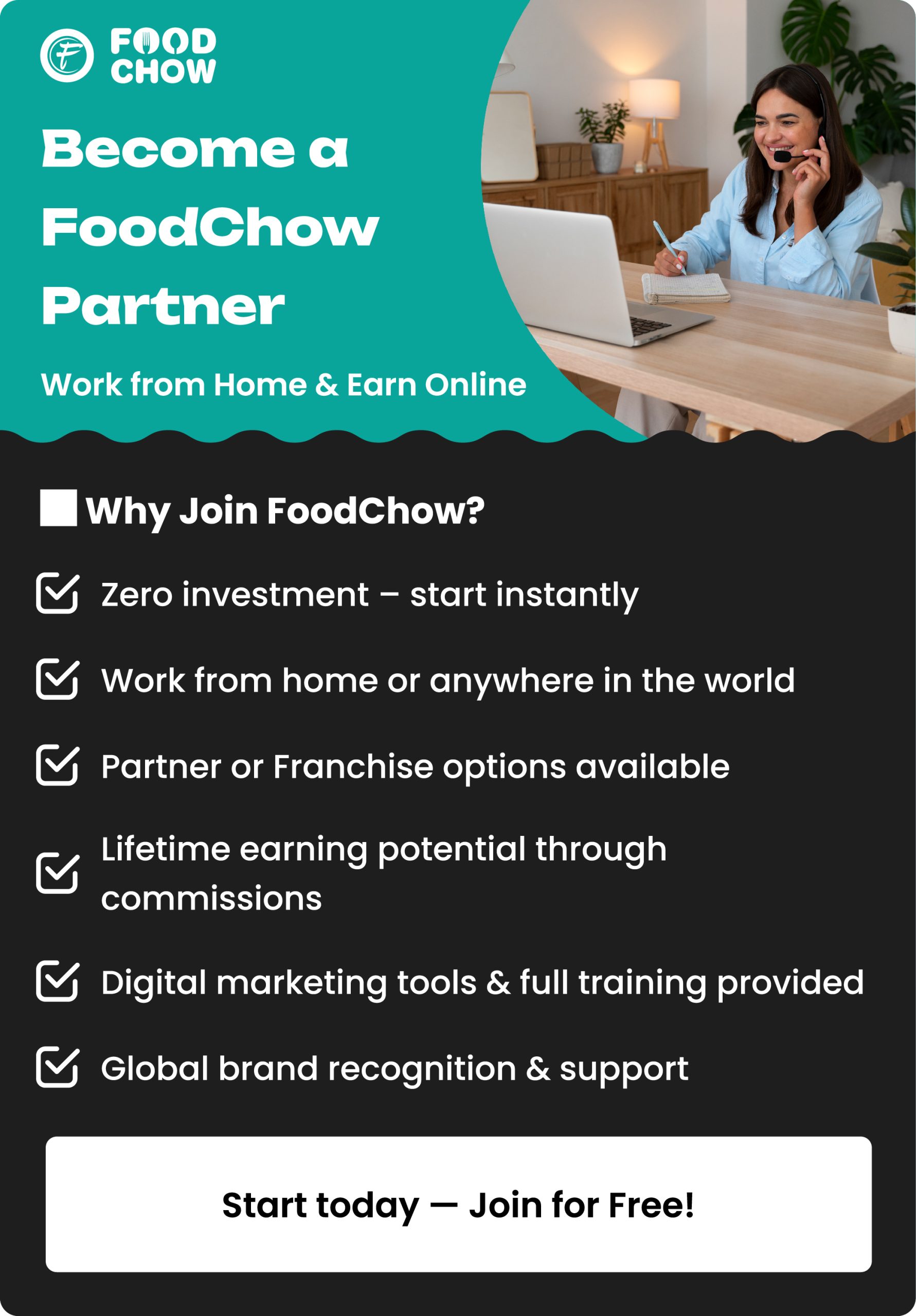
Running Restaurant Orders in One System
Introduction
Running a restaurant looks simple from the outside. Inside, it’s constant coordination. Orders arrive from the counter, QR codes, websites, and takeaways. Bills must be accurate. The kitchen must stay in sync. At the end of the day, owners want one thing: clear numbers they can trust. Many restaurants still try to manage this with multiple tools—and pay the price in errors, delays, and stress. This guide explains, in plain language, how restaurants manage billing, online orders, and reports in one system, why it works better, and how platforms like FoodChow are designed around real restaurant workflows—not theory.Why Managing Everything Separately Stops Working as You Grow
Most restaurants don’t plan to use five different systems. It just happens.The “Add One More App” Problem
A POS for billing. Another app for online orders. A WhatsApp phone for confirmations. Excel for reports. Each tool solves one problem—but creates three new ones.What Restaurants Start to Notice
- Staff re-entering the same order twice
- Kitchen confusion during rush hours
- Sales totals not matching collections
- No single place to check performance
What “One System” Actually Means in Real Life
An integrated restaurant system isn’t complicated. It’s practical.One Menu, One Flow
- One menu shared across counter and online orders
- One pricing and tax setup
- One order pipeline from customer to kitchen
One Source of Truth
Every order—no matter where it comes from—updates the same database. That’s the difference between connected and chaotic.Billing Becomes the Backbone (Not Just a Checkout Screen)
Billing is where mistakes hurt the most—financially and operationally.How Integrated Billing Works
- All orders (dine-in, takeaway, online) land in the same POS
- Taxes, discounts, and totals apply automatically
- Bills are generated instantly without manual input
Why Staff Love This
- Faster billing during peak hours
- Less training required
- No switching between screens
Online Orders Flow In—They Don’t Interrupt
Online orders shouldn’t feel like a separate business.Orders Enter the Same Queue
Whether an order is placed:- On the restaurant website
- Through a QR code at the table
- As a takeaway order
What This Fixes Immediately
- No missed orders
- No retyping
- No delay in kitchen preparation
The Kitchen Sees One Clear Picture
The kitchen doesn’t need complexity—it needs clarity.Unified Kitchen Workflow
- Orders reach the kitchen instantly
- Printed tickets or KDS show all orders together
- Priority is based on timing, not source
Why This Matters During Rush Hours
When online and counter orders are mixed across devices, mistakes happen. One queue keeps the kitchen focused and fast.Reports Stop Being a Night-Time Headache
Reporting is where many restaurants lose confidence.Automatic, Real-Time Reporting
Every order updates reports instantly:- Total sales
- Online vs offline orders
- Payment modes
- Tax summaries
What Owners Gain
- No waiting for end-of-day summaries
- No manual calculations
- Clear visibility anytime, anywhere
A Day in the Life — Disconnected vs Integrated
Disconnected Setup
- Online order arrives on a separate app
- Staff re-enters it into POS
- Kitchen gets delayed ticket
- Reports updated manually
Integrated Setup
- Order placed (any channel)
- Appears instantly in POS
- Sent automatically to kitchen
- Reports update in real time
How FoodChow Brings Billing, Orders, and Reports Together
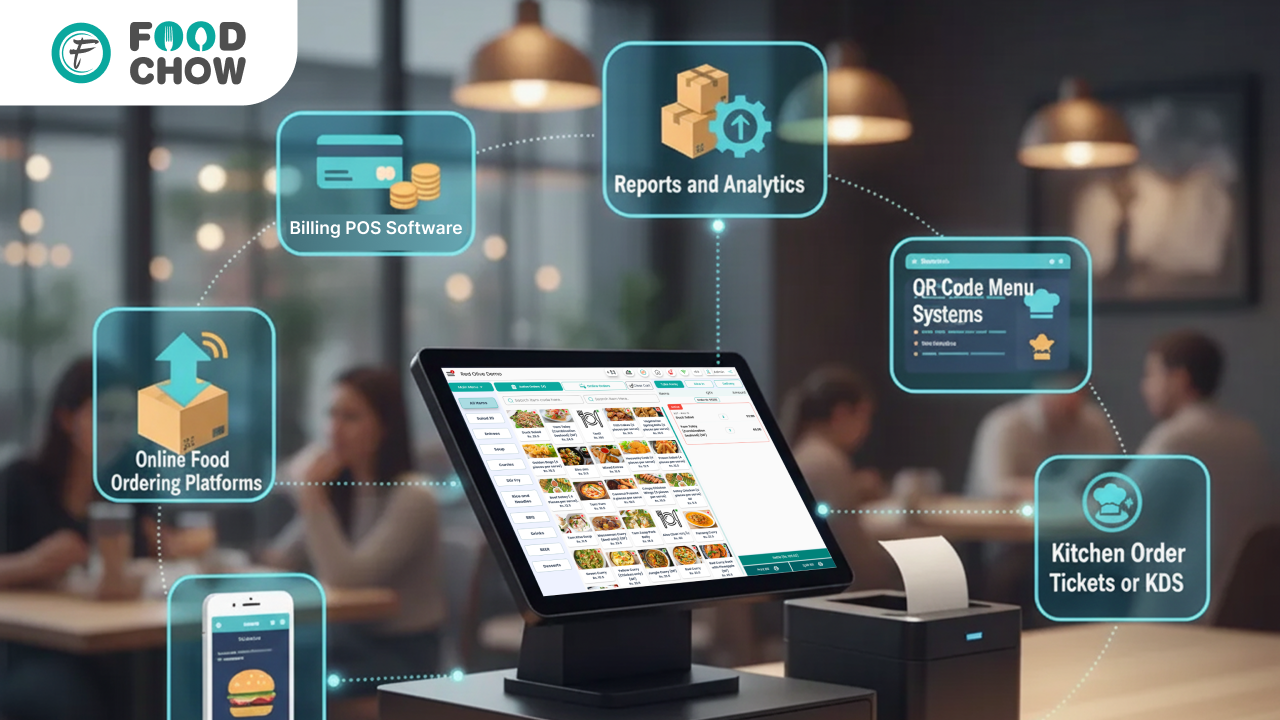 FoodChow is built around one simple idea: restaurants work better when systems work together.
What Restaurants Get in One Platform
Why Restaurants Switch
Not for more features—but for fewer problems. Everything feels connected because it is.Who Benefits the Most From an All-in-One System?
Small & Independent Restaurants
Less staff pressure, fewer mistakes, faster service.Cafés & Takeaway-Focused Brands
Smooth handling of mixed order types.Cloud Kitchens & Growing Brands
Centralised reporting and scalable operations. If your restaurant handles more than one order channel, integration pays off quickly.FAQs
What is an integrated restaurant system?
An integrated restaurant system manages billing, online orders, kitchen flow, and reports in one platform, helping restaurants reduce errors, save time, and run daily operations more smoothly.How do restaurants manage online and counter orders together?
Restaurants use a unified POS system where online, QR, takeaway, and counter orders flow into the same dashboard and kitchen queue, eliminating manual entry and order confusion.Why should restaurants use one system instead of multiple apps?
One system reduces staff workload, prevents data mismatches, and keeps orders, billing, and reports synced, especially during busy service hours.Can a POS system handle billing and online ordering together?
Yes. Modern POS systems automatically sync online orders with billing, ensuring accurate invoices, kitchen tickets, and sales reports without manual processing.How does one system improve restaurant reporting?
Every order updates reports automatically, giving restaurant owners real-time visibility into sales, order types, and payments without manual calculations.Is an all-in-one system suitable for small restaurants?
Yes. Small restaurants benefit by simplifying workflows, reducing staff dependency, and improving service speed with one connected system.How do restaurants reduce order mistakes during rush hours?
By using a single POS and kitchen workflow, restaurants avoid switching between apps, which reduces missed orders, delays, and billing errors.What happens if the internet goes down?
Most systems support offline billing, allowing restaurants to continue operations and sync data automatically once the internet is restored.Final Perspective
Restaurants don’t struggle because teams work less. They struggle because systems don’t work together. When billing, online orders, and reports live in one system:- Service speeds up
- Errors drop
- Visibility improves
Join the FoodChow Partner Program Today
- Zero investment required
- Training & marketing support included
- Lifetime earnings from your clients
- [Apply Now] or [Join as a Partner]
Kind Regards,
Jigar Doriwala, Director
Tenacious Techies Pvt Ltd
Whatsapp + 91 99796 19126 | Aus : +61 450 172399